Designing an investment research platform as its founding designer
- Role
- Founding Product Designer
- Skills
- Product Design, Design Systems, Design Engineering, Brand & Marketing
- Timeline
- Jun 2025 – Present
- Tools
- Figma, Storybook, Claude Code
Overview
Designing every surface of an investment research platform, through a pivot and into code
QuantLink is a unified workspace for investment research, where student and professional analysts can go from finding an investment position to presenting it on one platform.
As QuantLink’s founding and only product designer, I designed every surface of the platform, across the five stages of an analyst’s work: discover, analyze, build, manage and share. I set up the design system and core UX principles in Figma, then moved them into code as the product grew denser after our pivot from retail investors to B2B. Today I design and ship features directly in code, and design for everything beyond the product too, from landing pages and launch videos to our pitch decks.
My work helped get QuantLink selected for the gBeta accelerator and partner with student-managed investment funds at universities across the US, including Georgetown, University of Florida, Wake Forest, Fordham, and TCU.
The problem
Financial analysts’ work is scattered across a dozen tools that don’t talk to each other
A single investment proposal passes through several tools before it’s done: a data terminal like Bloomberg, Capital IQ or FactSet for the numbers, TradingView and Yahoo Finance for charts, Excel for the model, Word for the write-up, and PowerPoint for the pitch.
The solution + what I did
I designed every surface of a unified workspace for the entire investment research workflow, from finding an idea to presenting it
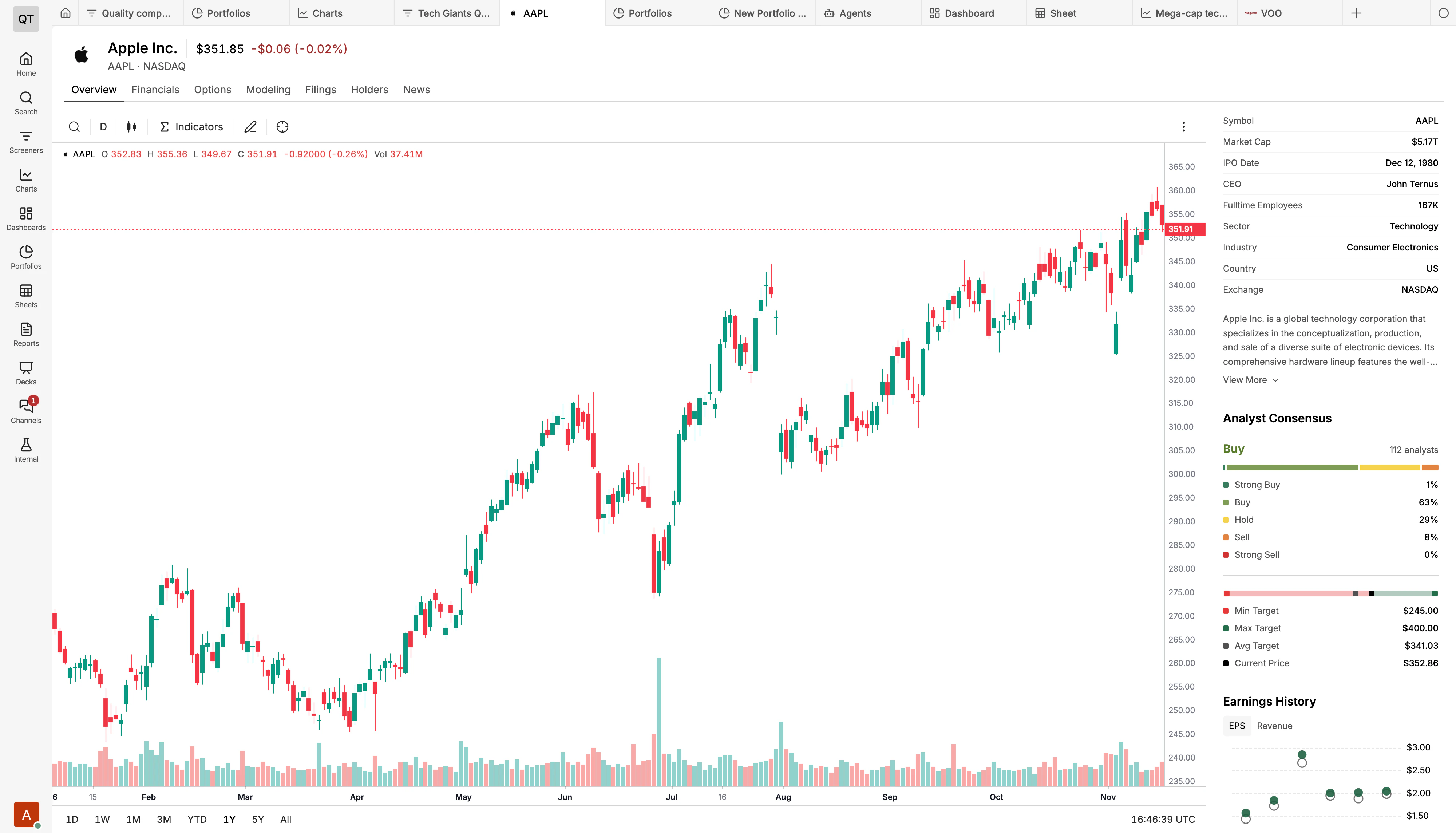
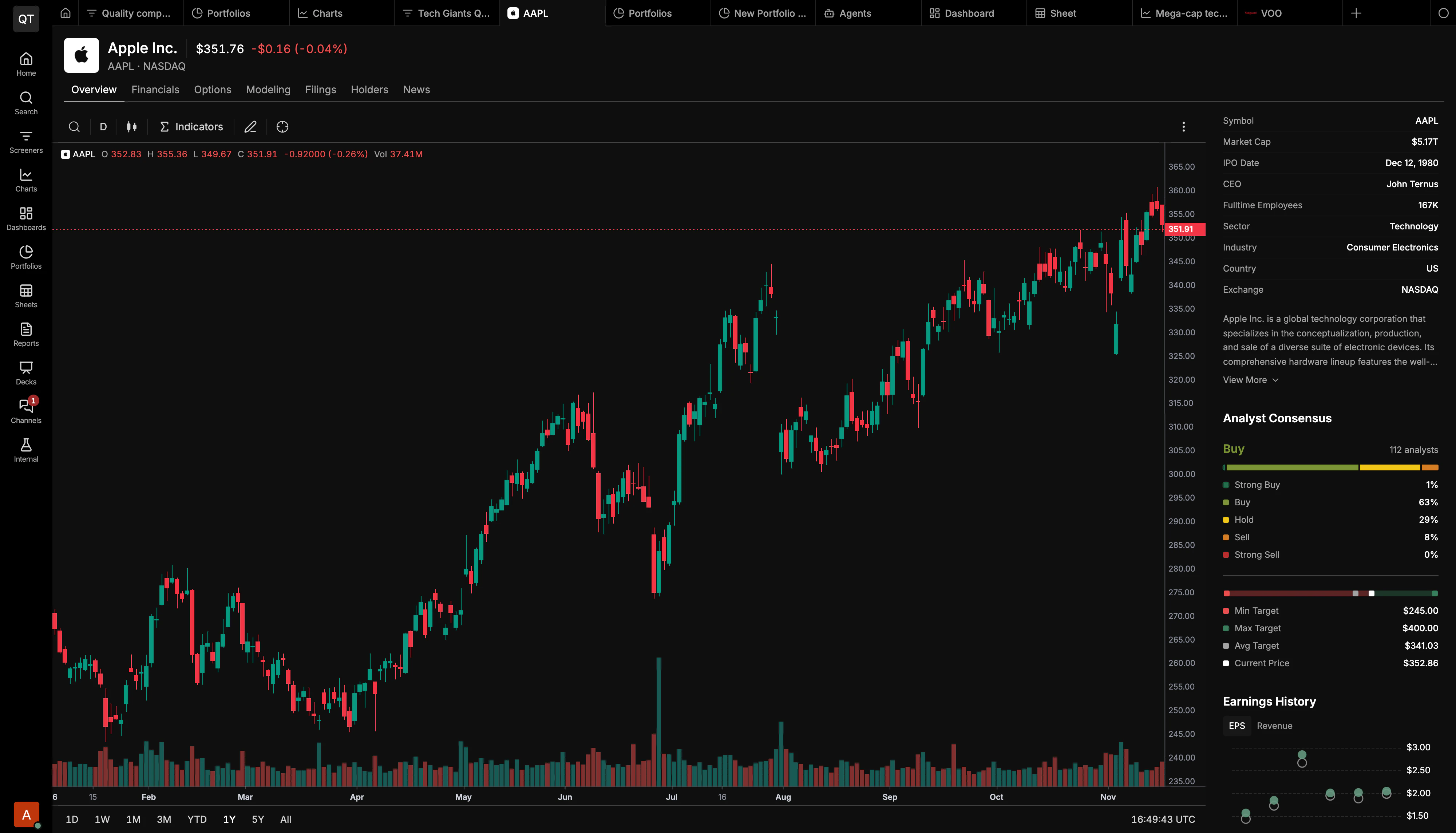
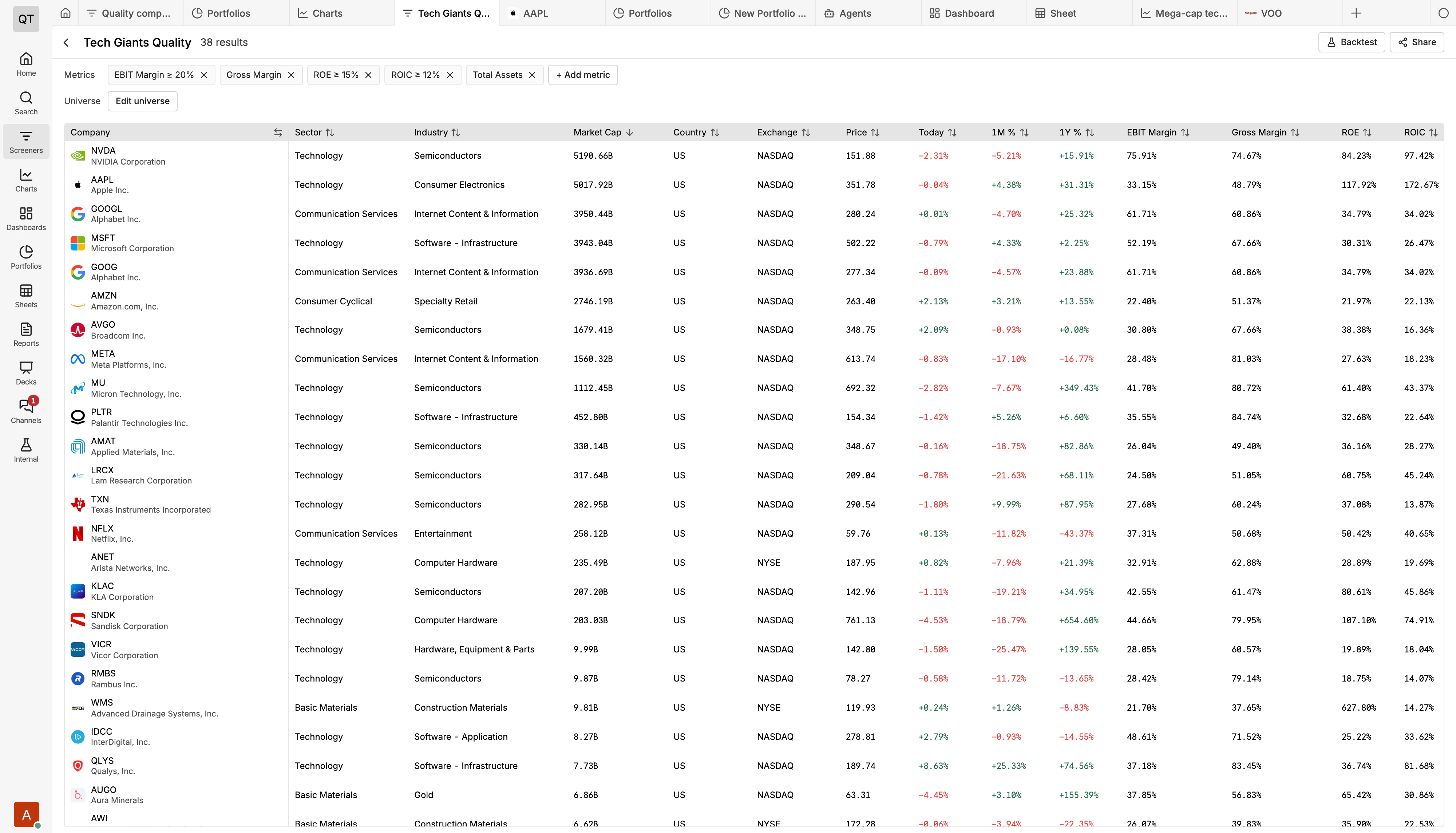
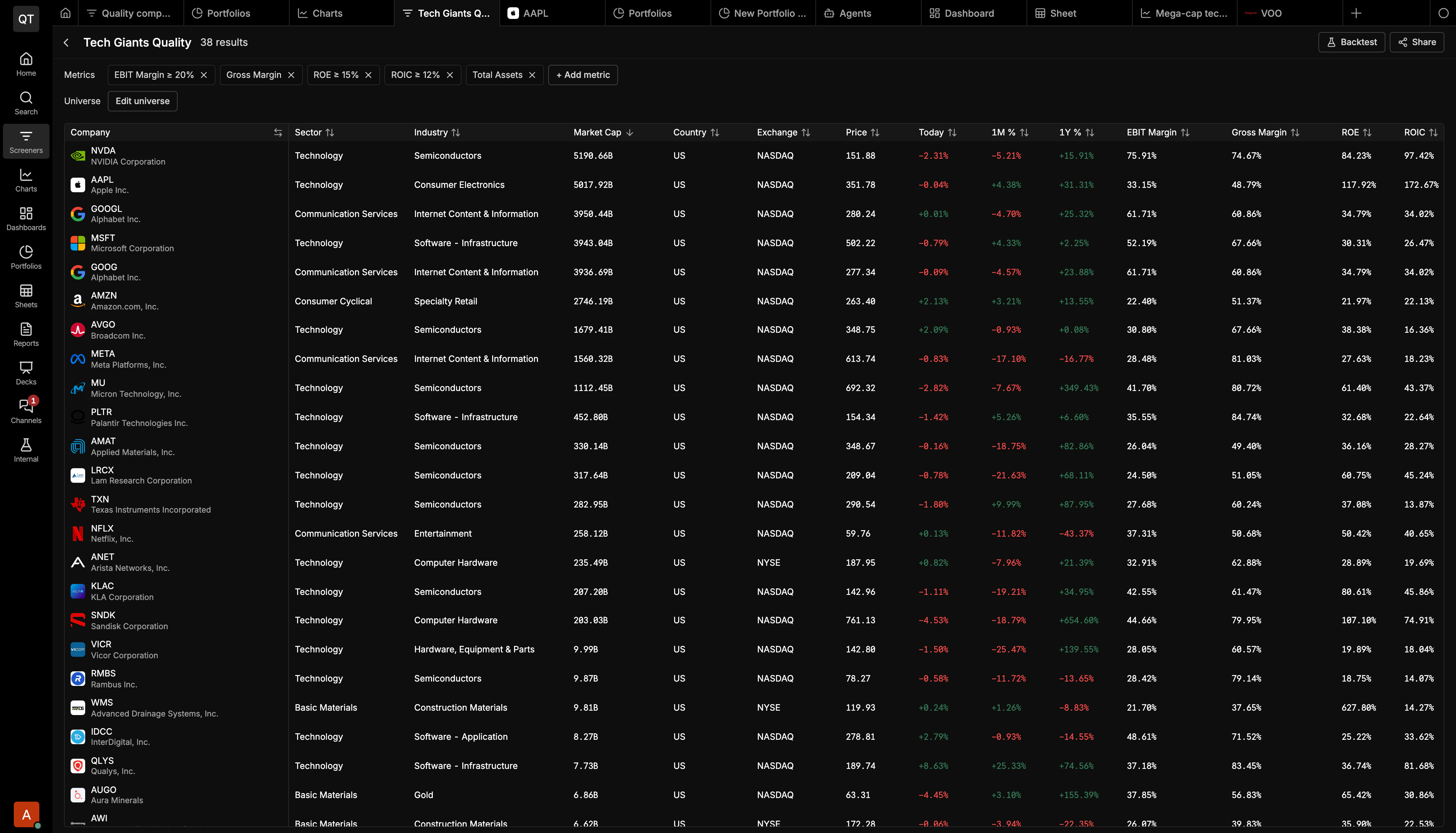
QuantLink brings the data, the analysis, the models and the final write-up into one platform, built on primary financial data sources. It’s organized around the five stages of an analyst’s work: discover, analyze, build, manage and share.
Discover
Analyze
Build
Manage
Share
The pivot
From another retail platform to the data layer for investment research
QuantLink started as an analytics platform for both retail investors and power users, and we were targeting individual users and sales deals at the same time. Through market research and interviews, we realized the retail side was already highly saturated with platforms like TradingView, Fiscal, and Robinhood, and we weren’t going to win by being another one.
Those same conversations pointed to a lucrative gap nobody was filling well: one workspace where analysts could carry out their whole workflow from start to end. So we narrowed our focus to B2B, specifically student and professional analysts, and repositioned QuantLink as the data layer for investment research.
The biggest challenge
Keeping the design system together through the pivot
When I joined, I spent most of my time in Figma setting up our design system and the core UI and UX principles for the product. That file was meant to be the source of truth for all design work.
After the pivot, the product got a lot denser. We were a small team shipping a lot of surfaces, so engineers often pushed new features straight to staging and I’d clean them up afterwards. Engineers didn’t always reference Figma, and when I did update it, the changes didn’t always reach the codebase in time.
Components and their properties also ended up being defined inline in code instead of at the component level, so the same component looked slightly different from page to page. At our pace, those inconsistencies turned into real product quality issues.
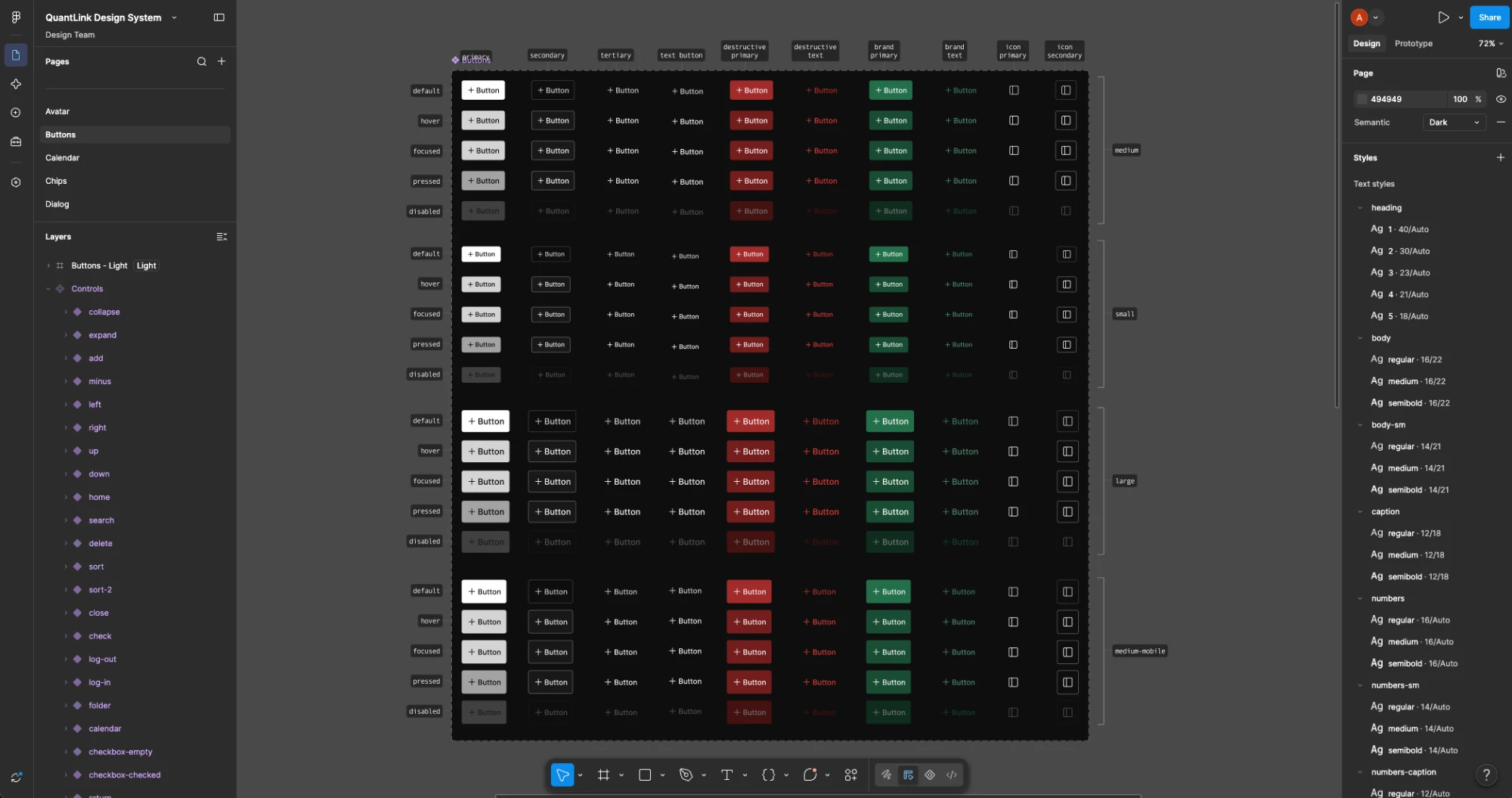
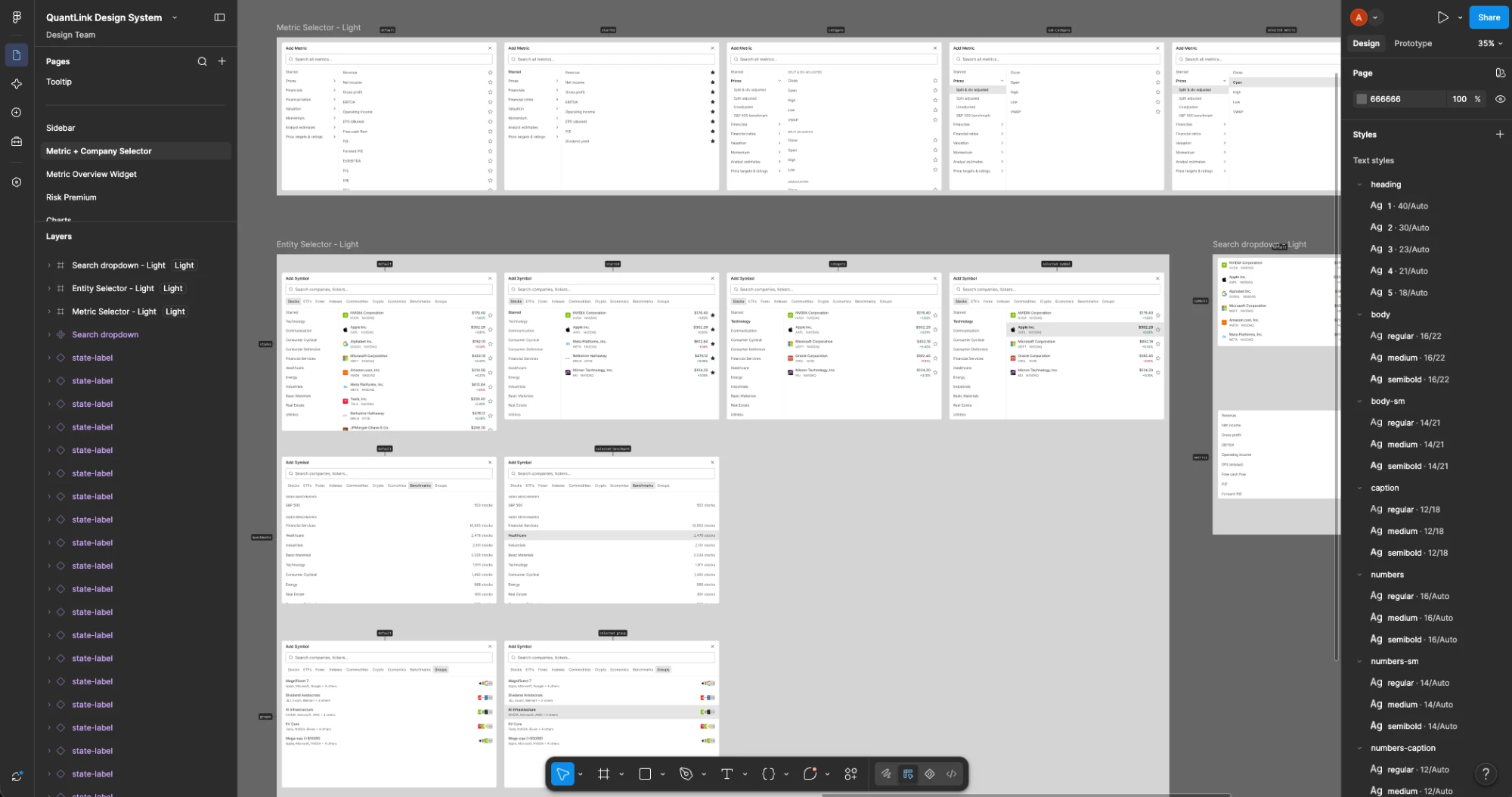
Design system
Components, with every variant and state
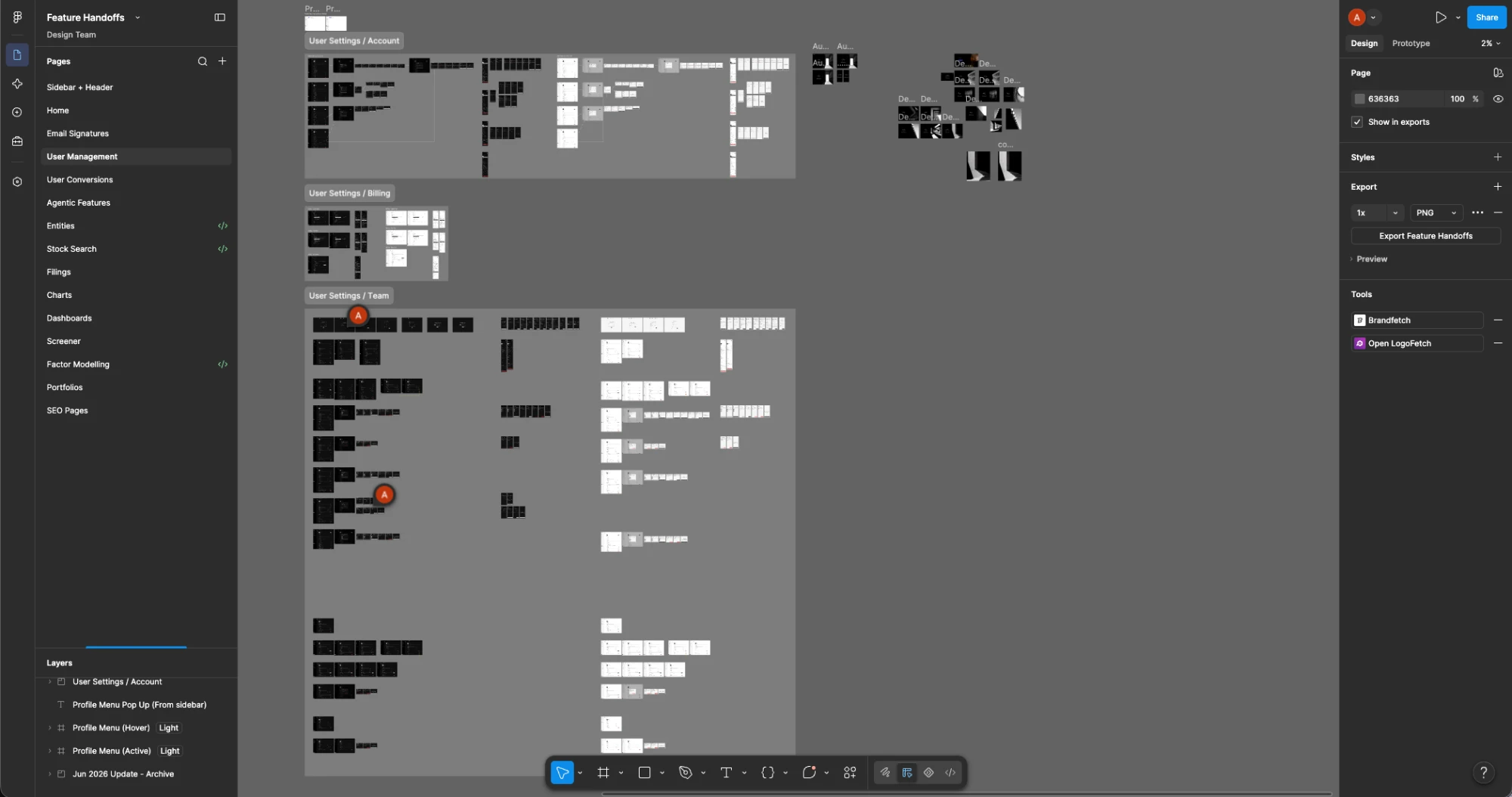
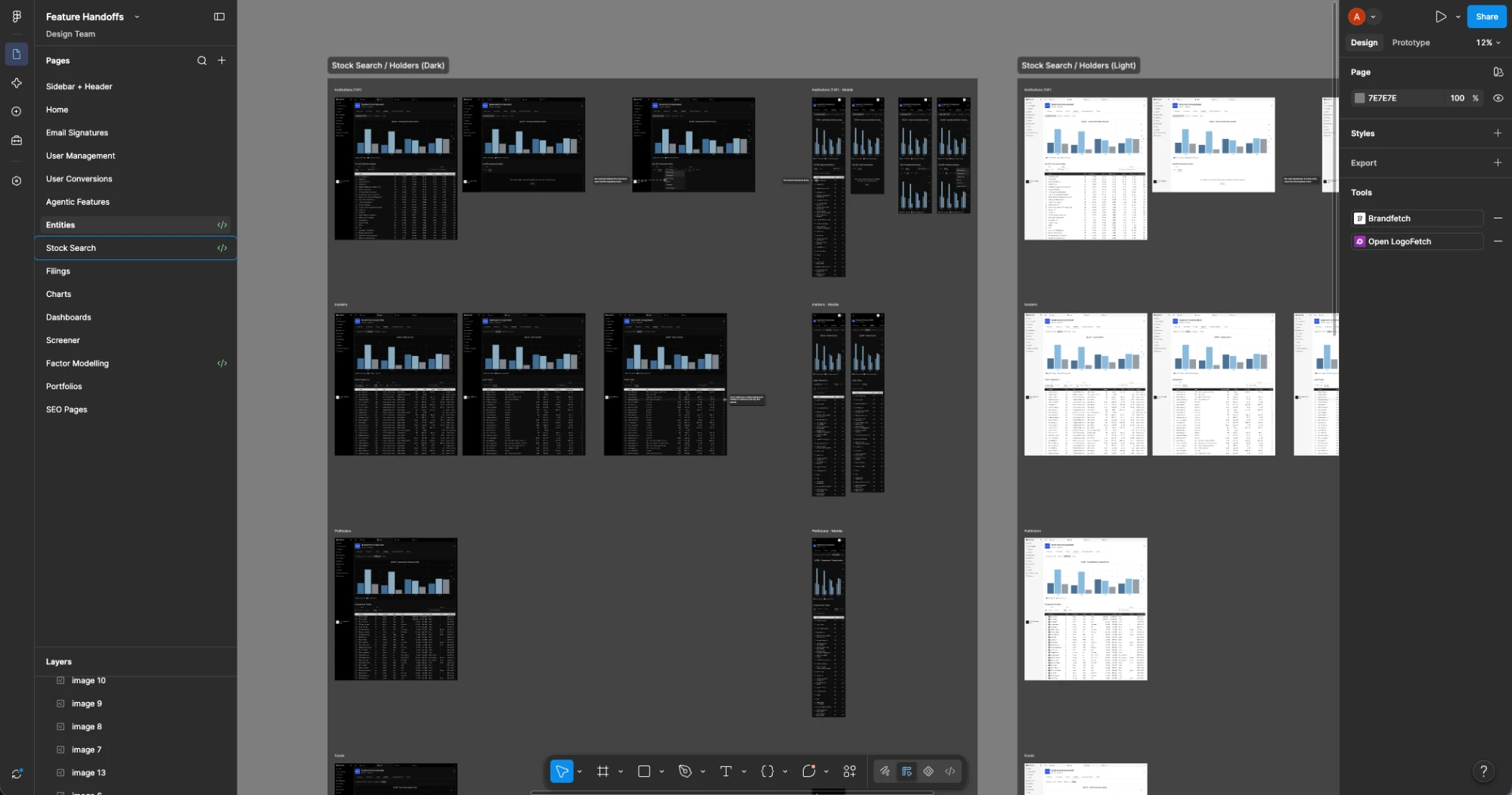
Feature handoffs
A page per feature, with notes for engineering
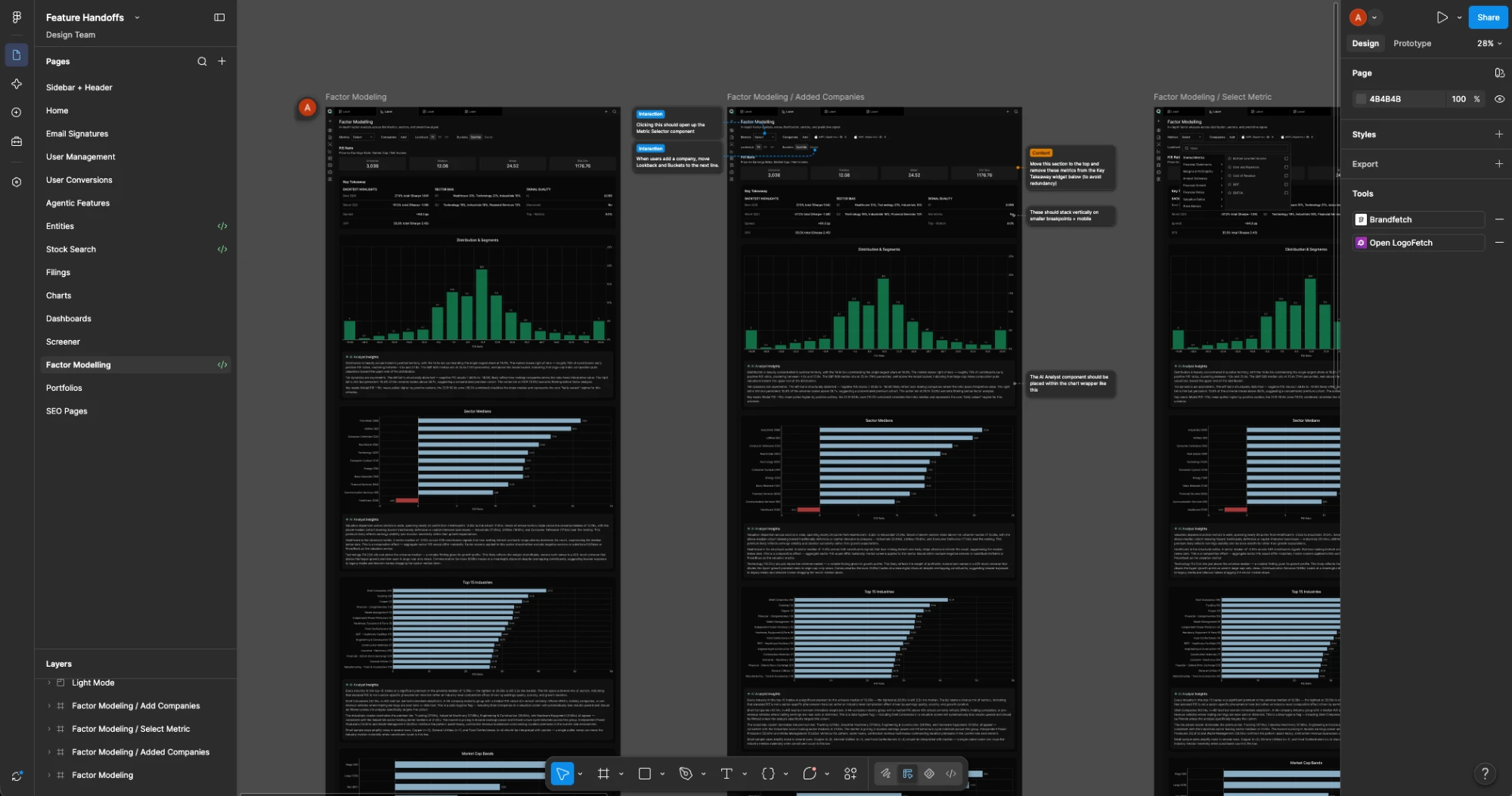
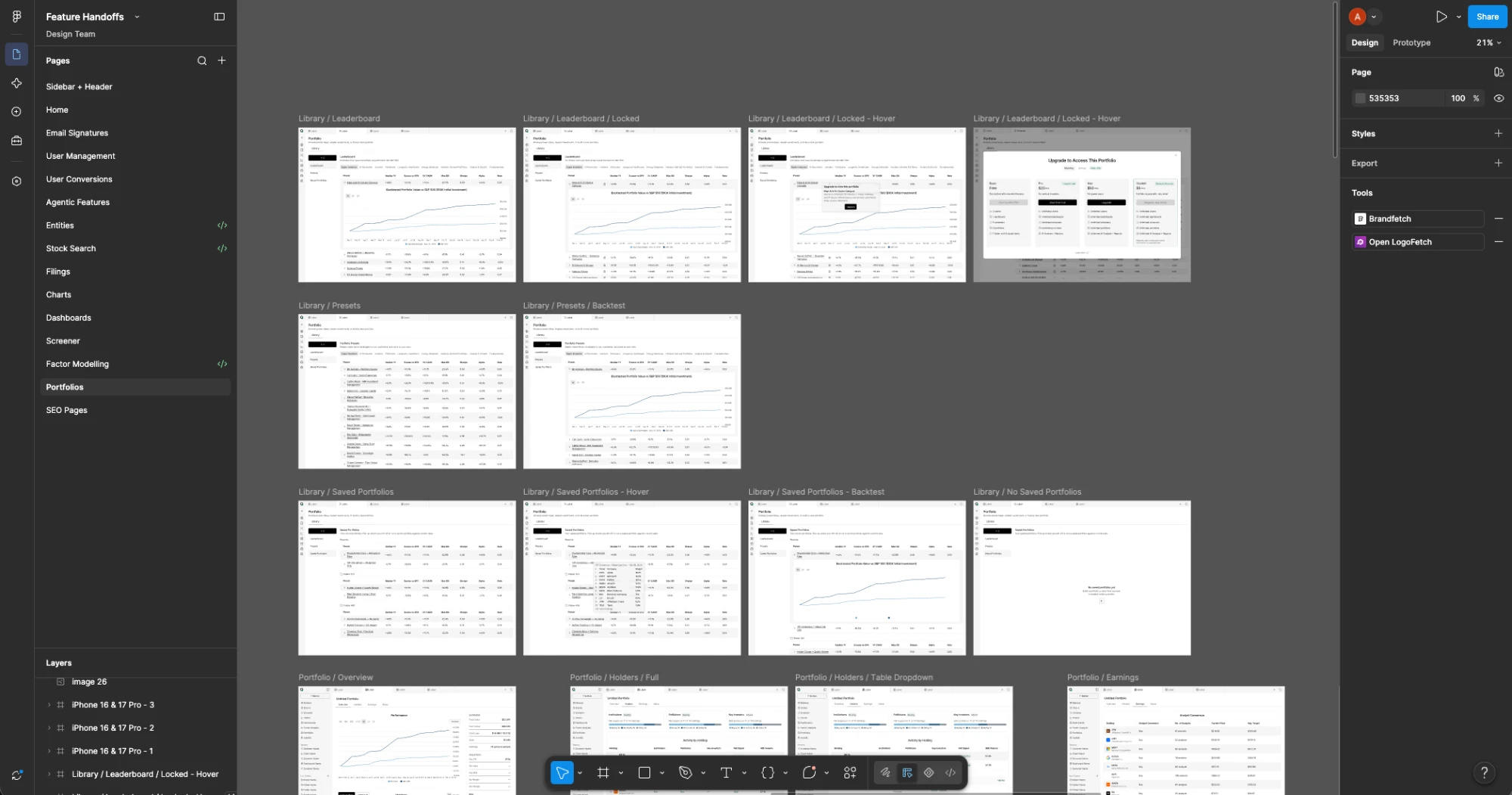
Design engineering
Why I started primarily designing directly in code
This is what pushed me to start designing directly in code. I started maintaining and building the design system directly in Storybook, and designing features in code. That way, I was able to design components and screens exactly how I wanted directly on the platform.
I set up guardrails (project rules, .md files, and type checks) so the team’s AI agents stick to the design system instead of going rogue. I also documented a workflow for adding new components: always at the design system level, never inline.
Designing in code allowed me to sweat the details myself instead of relinquishing quality control to engineers through handoff specs. Today, most of my time goes into designing and shipping features directly in code.
Other hats
Design beyond the product
Being the only designer at an early-stage startup meant design covered a lot more than the product.
Marketing
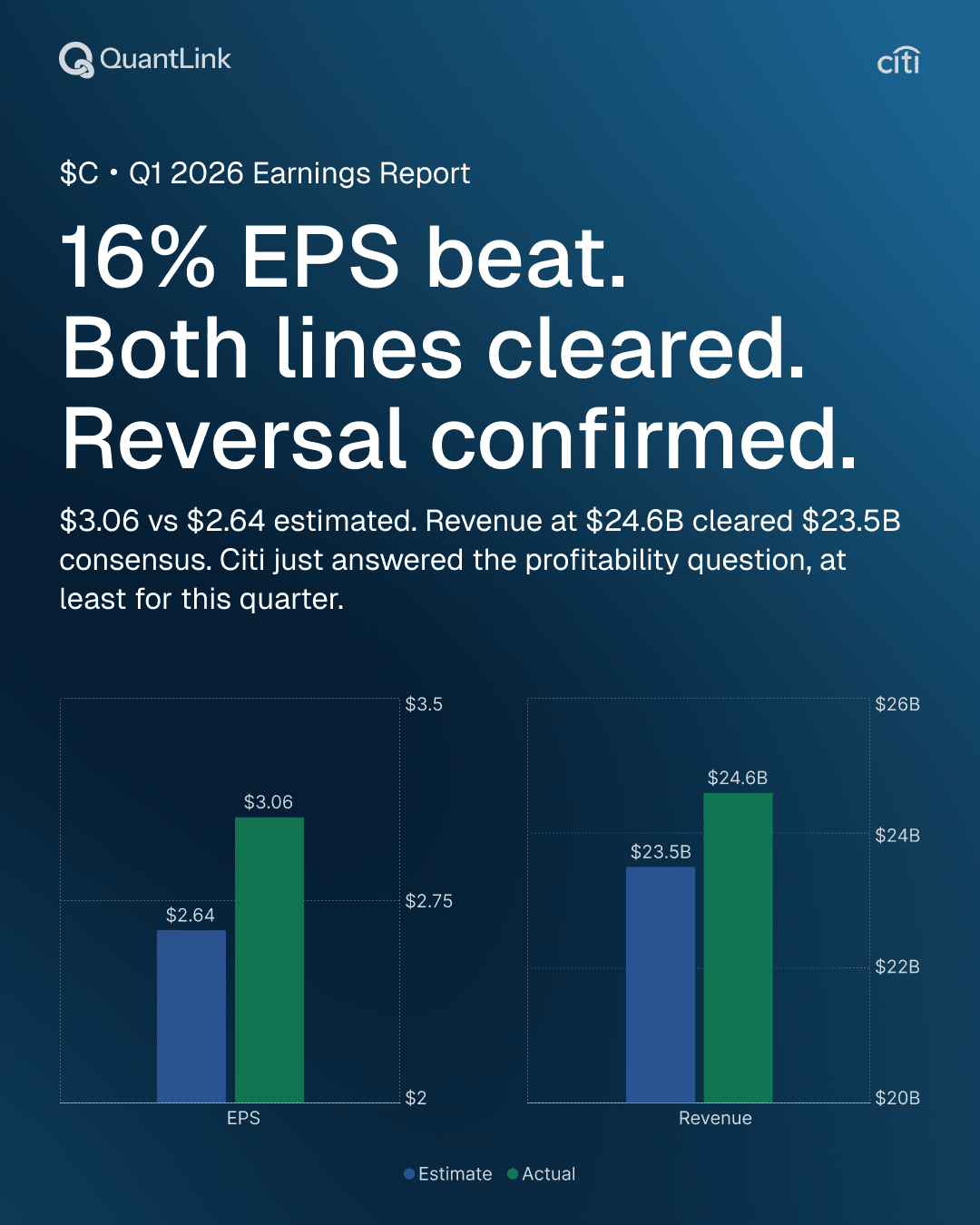
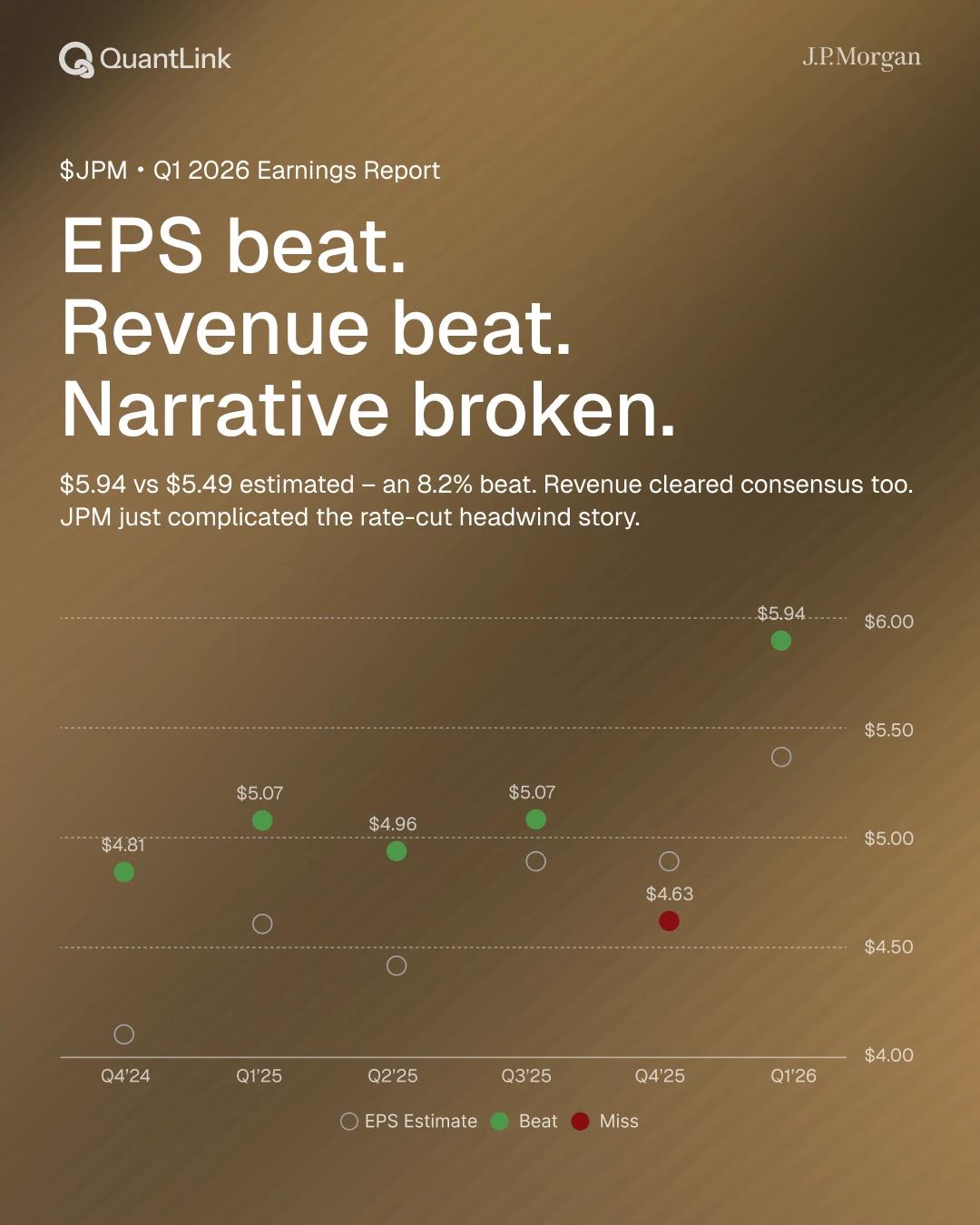
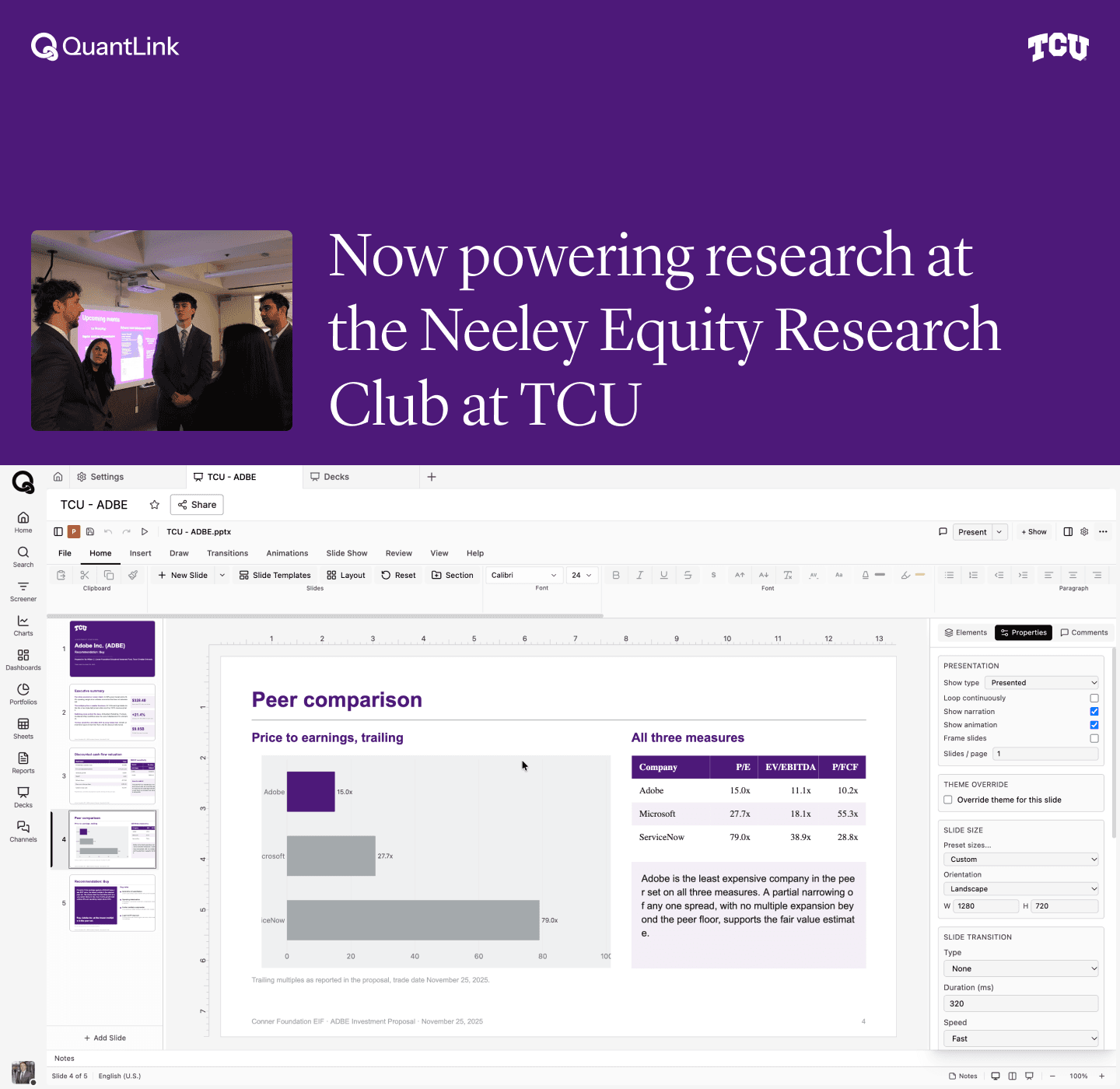


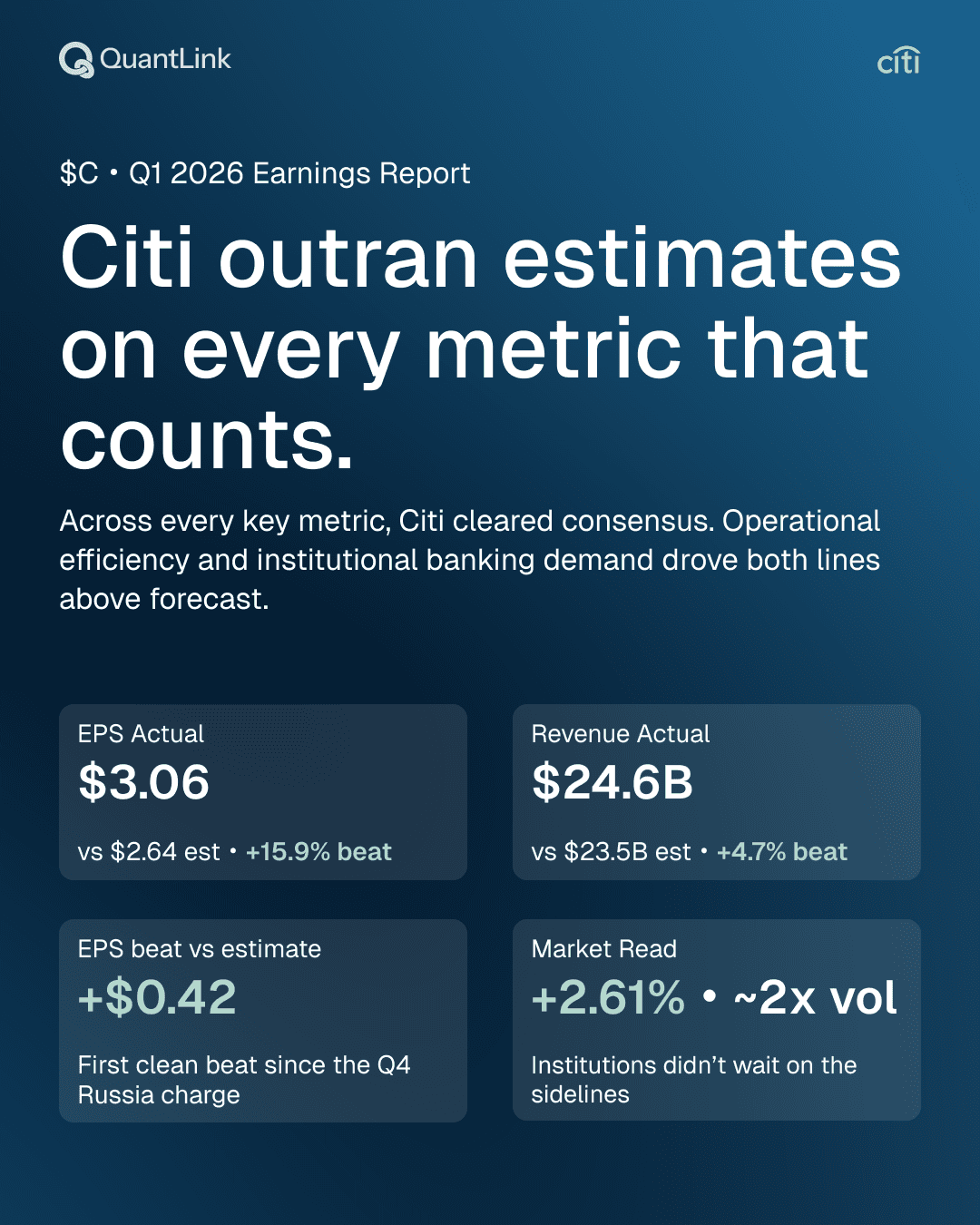

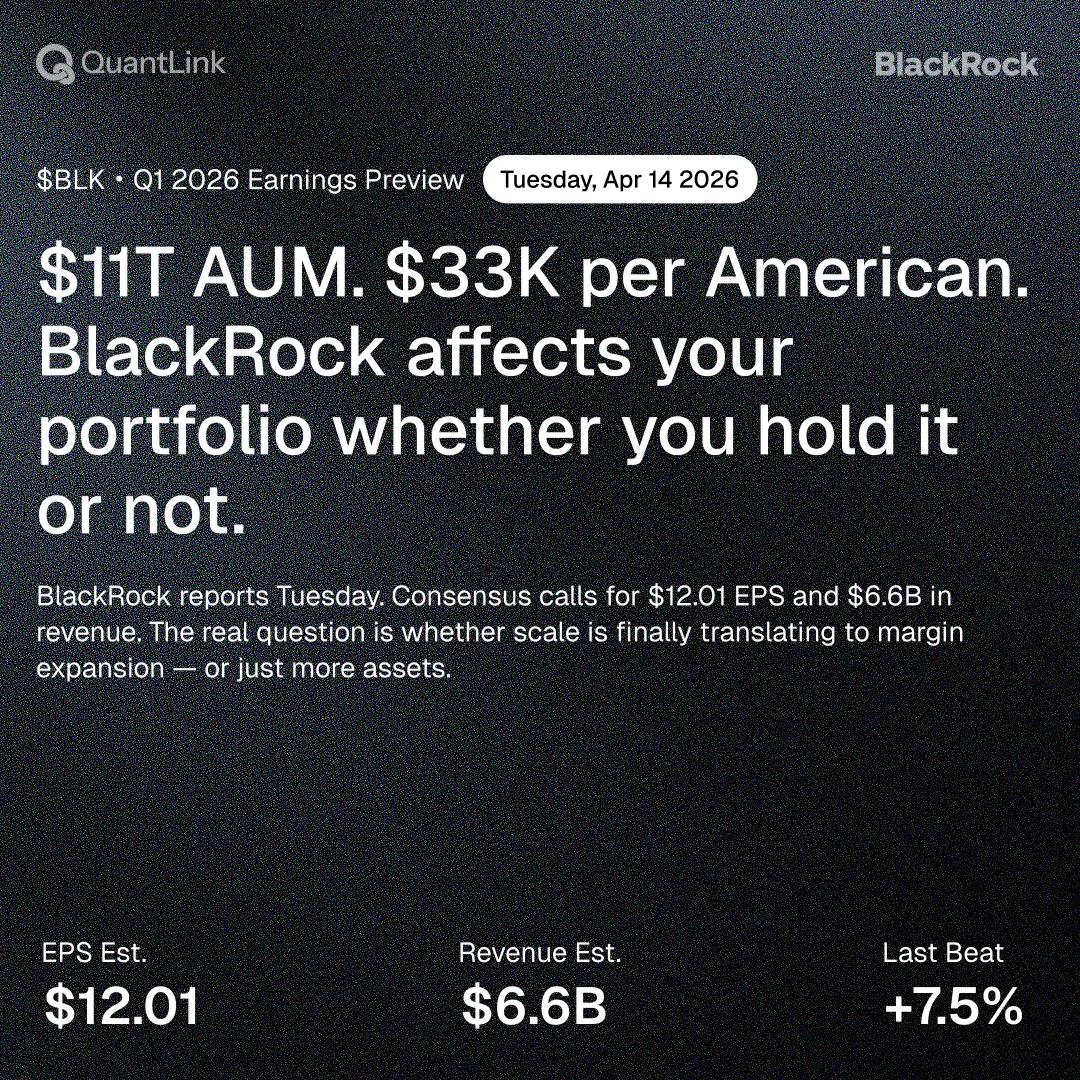
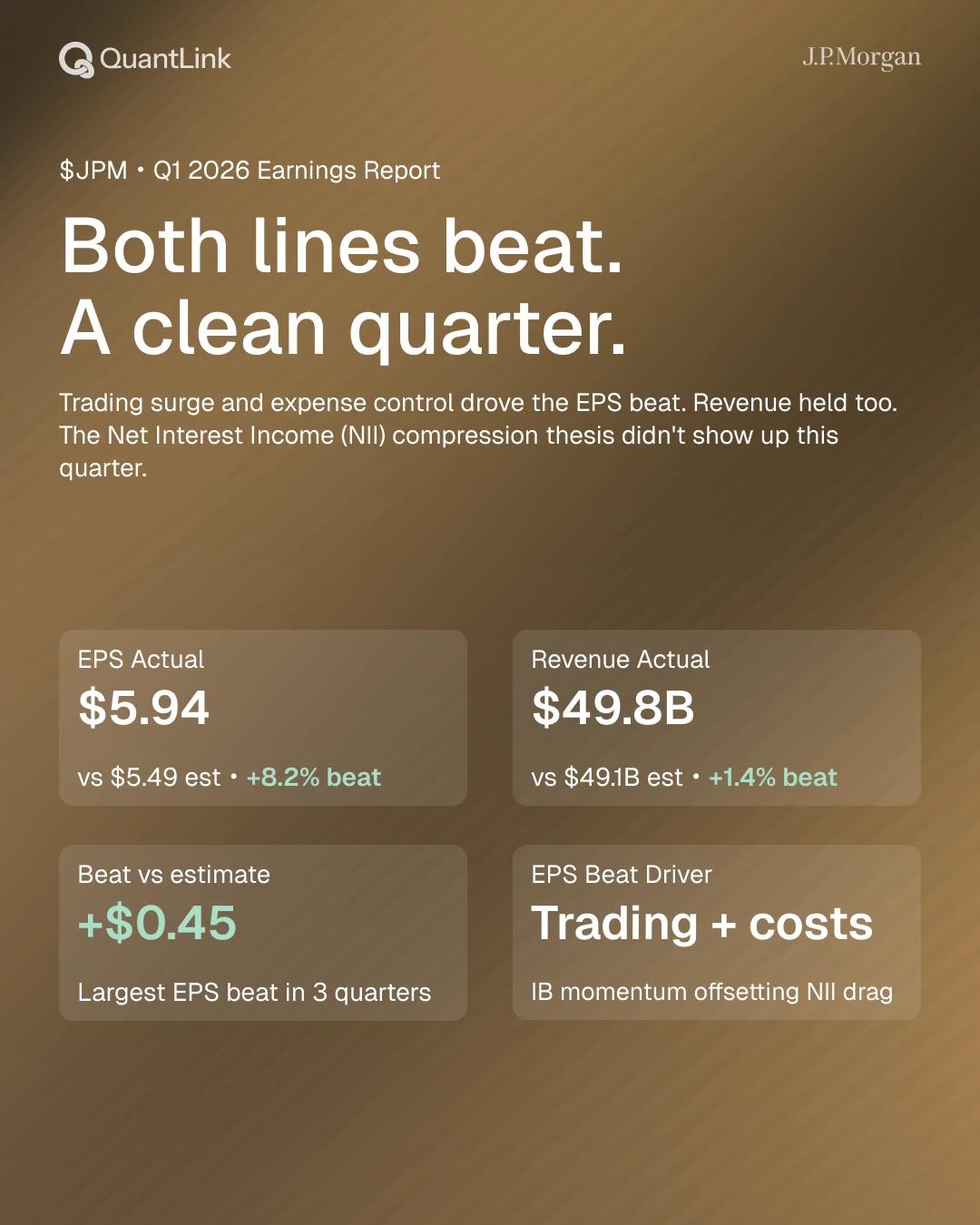

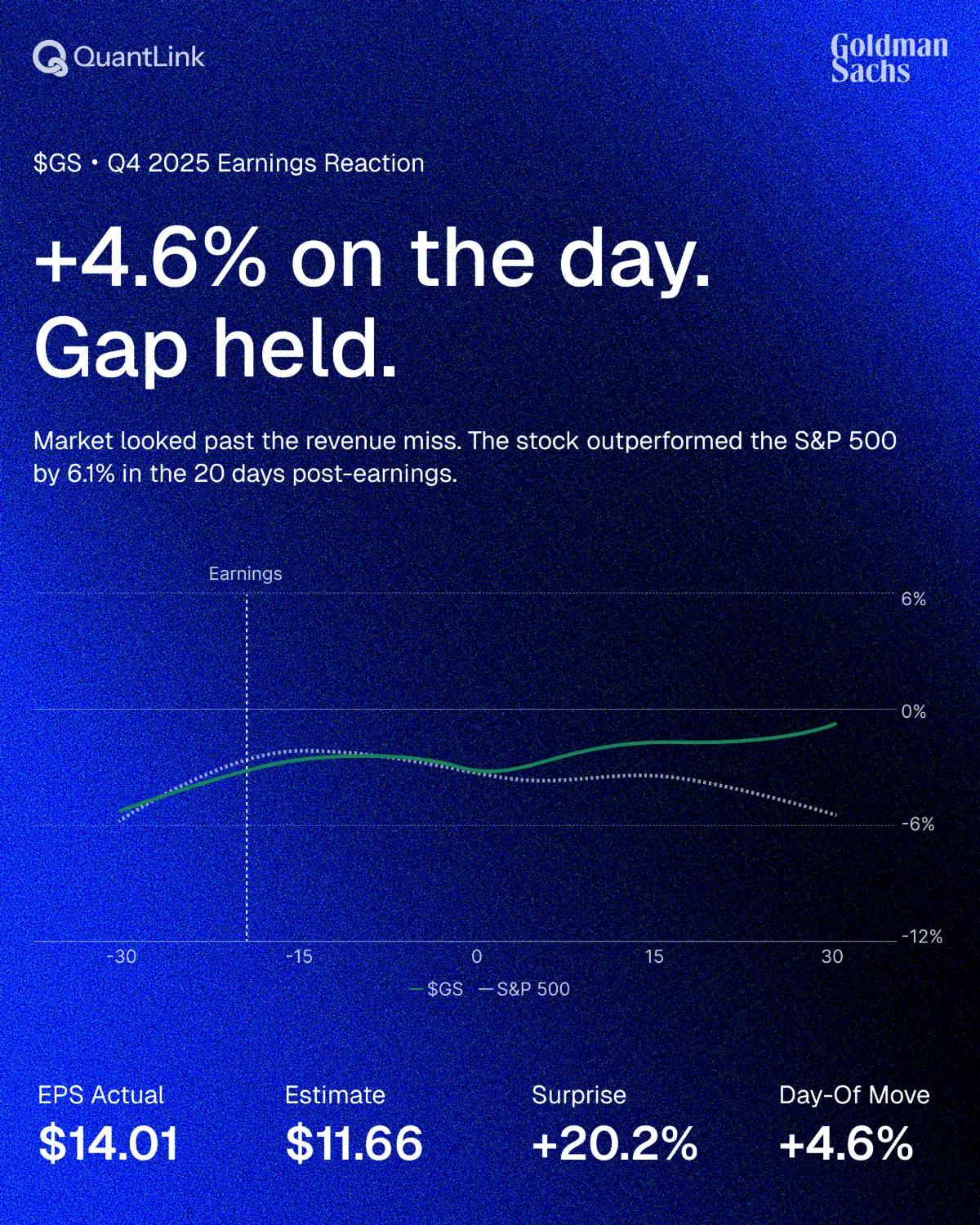

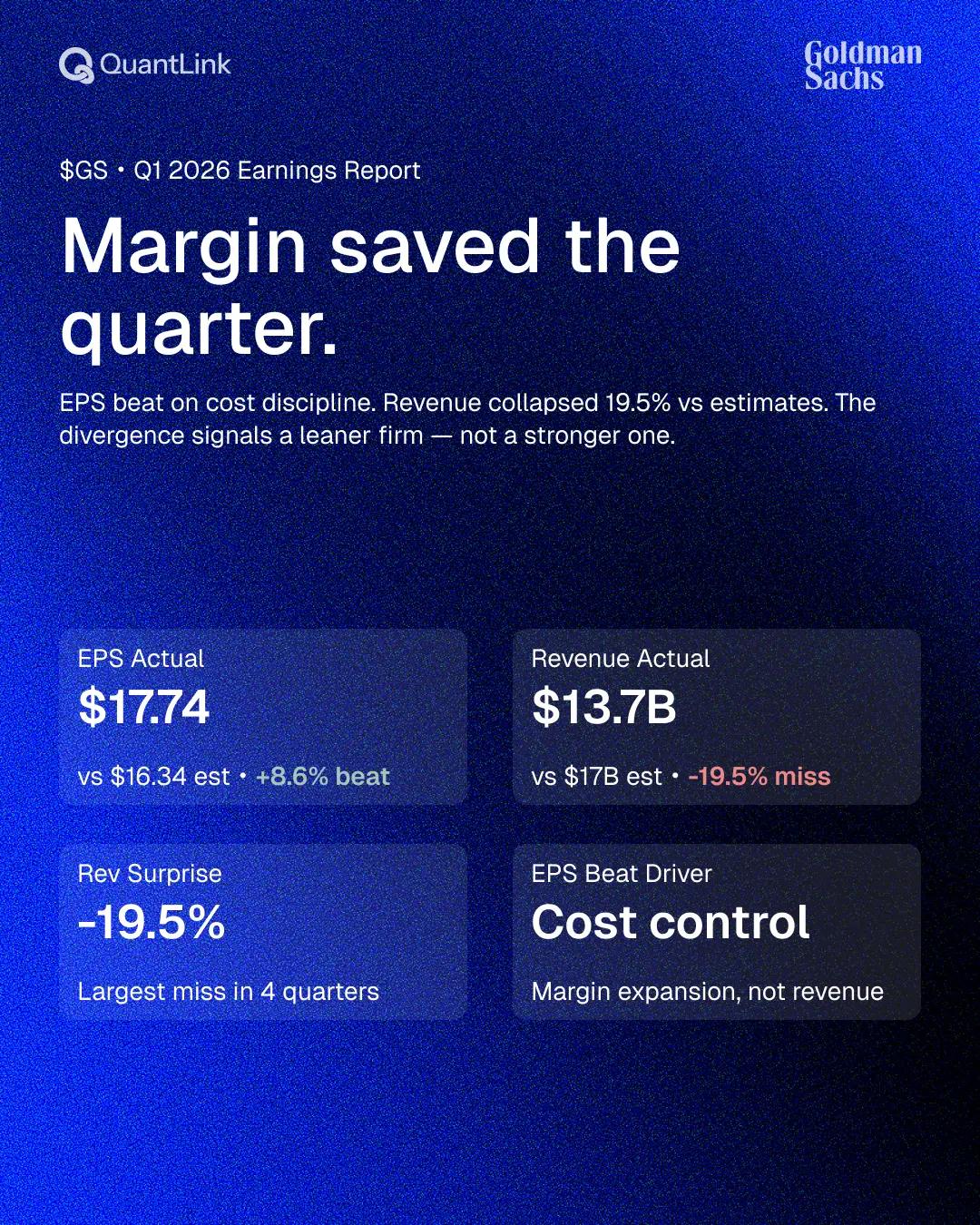
Social posts like earnings reactions, partnership announcements and product promos. I turned each type into a template, so the team could make new posts at scale.
Pitch decks
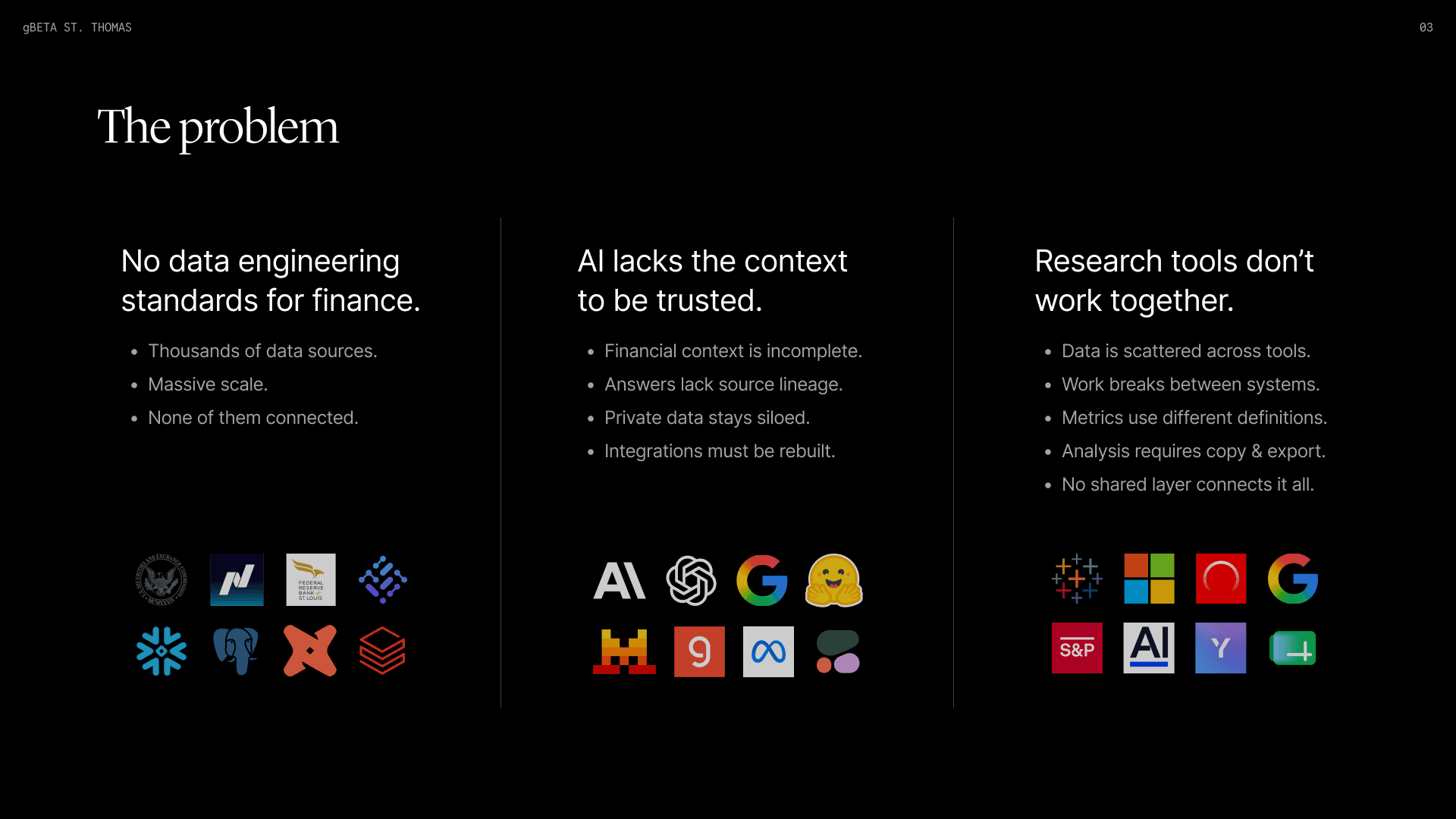
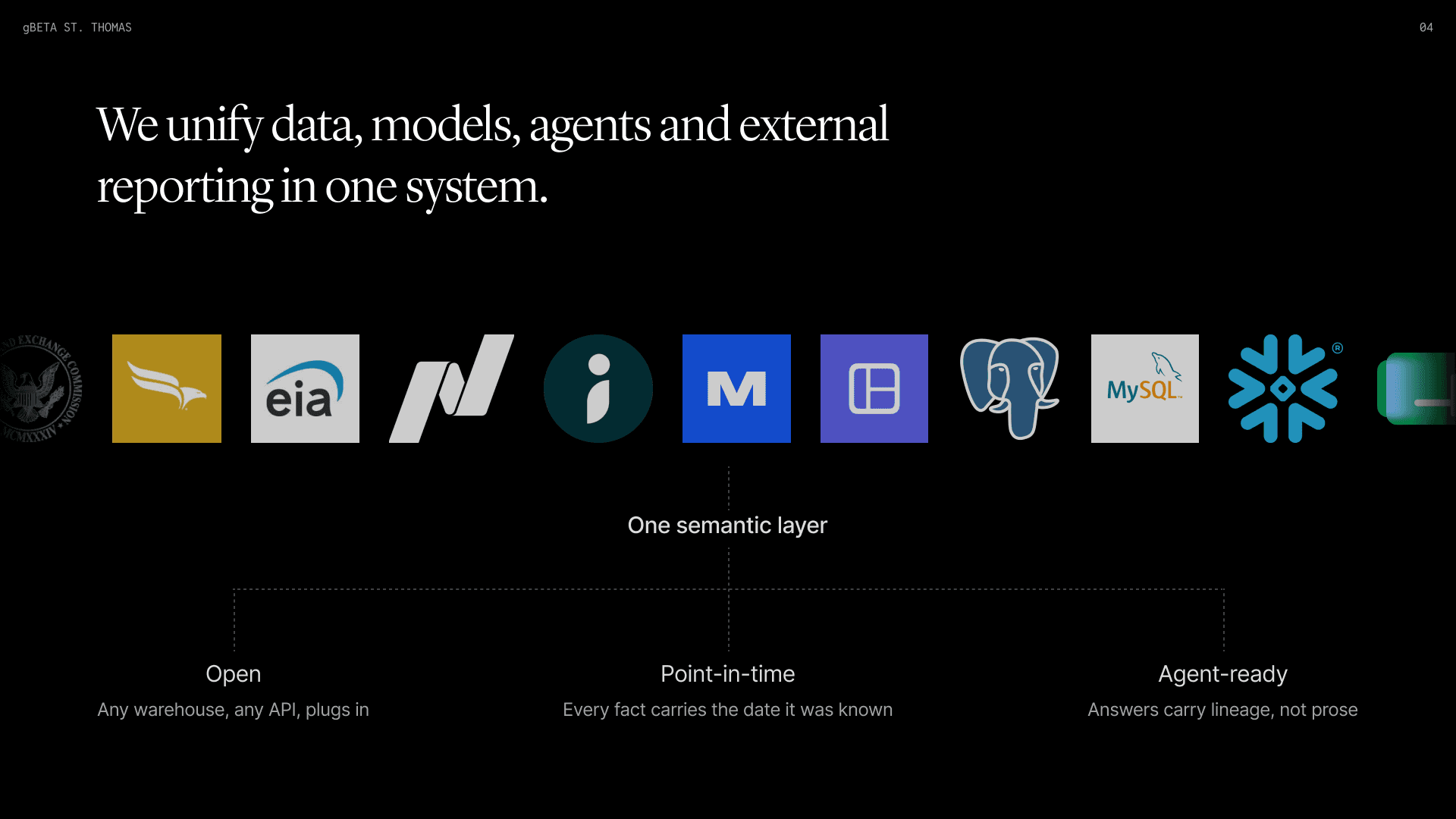
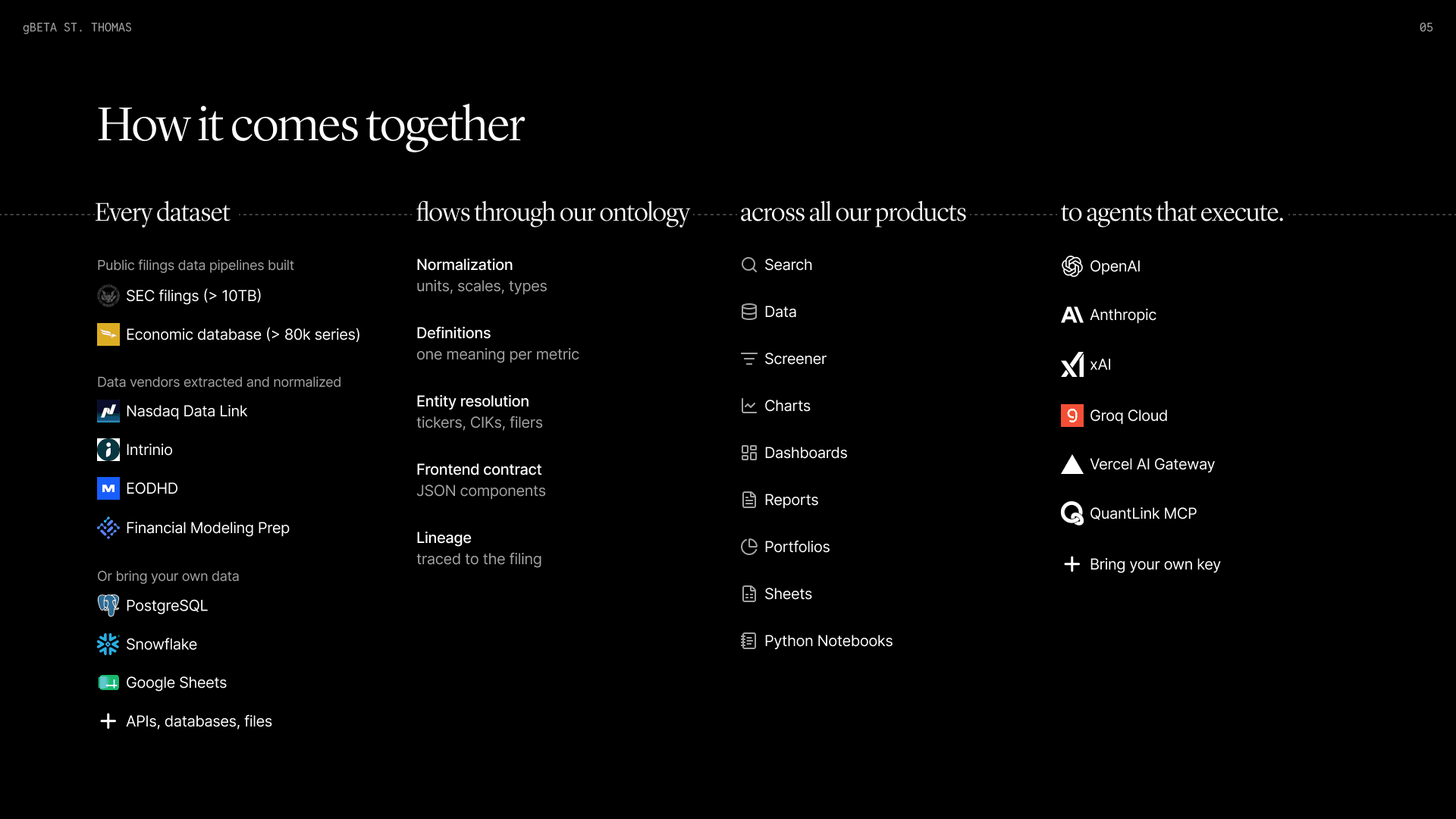
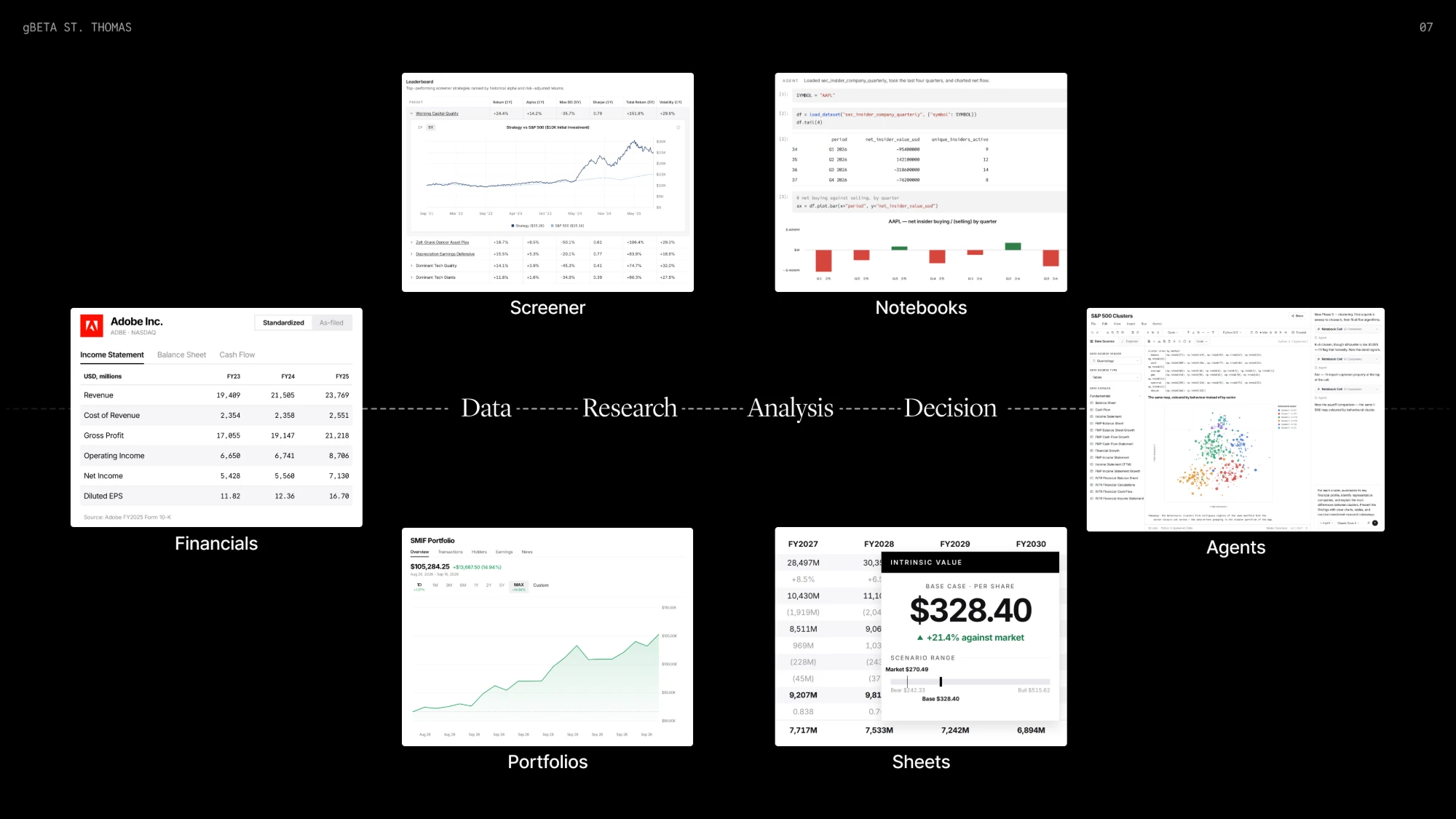
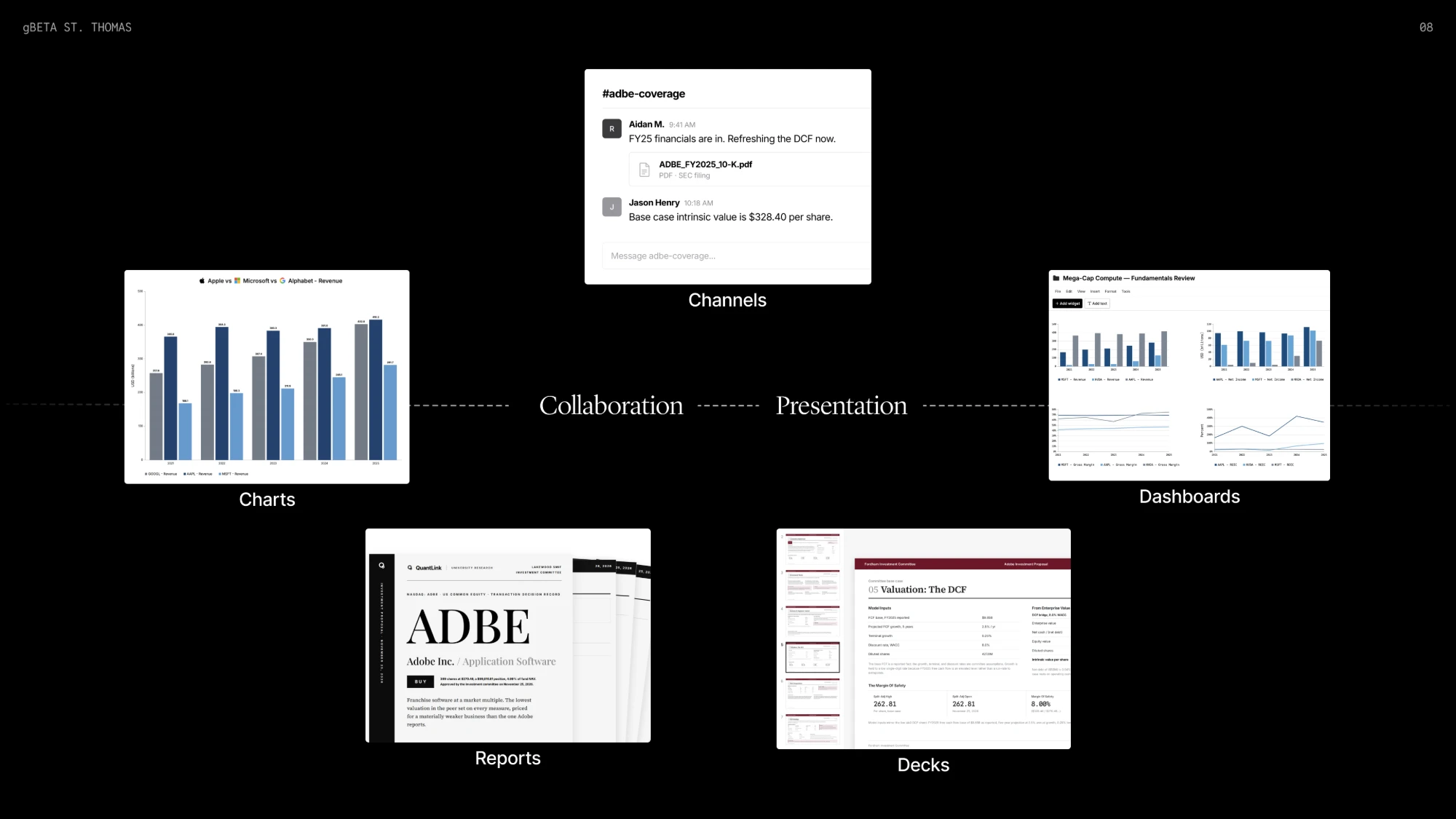
Decks for our fundraise, and shaping how we pitched.
Landing pages
Creative direction for our growth designer’s marketing and feature landing pages.
Impact
Partnerships with university investment funds across the US
- Selected for the gBeta accelerator.
- Partnerships with student-managed investment funds (SMIFs) at universities across the US, including Georgetown, University of Florida, Wake Forest, Fordham, TCU, and more.
Reflection
Lessons from designing in code
I’d start designing in code sooner
I did a lot of design and design system work in Figma for a long time, treating Figma files as the source of truth. By the time I switched to maintaining design in code, a lot of work had already shipped, which I had to go back and clean up and make consistent. For a product as dense as ours, designing in code is how I kept up as the only designer. It gave me the most control over the details and cut my turnaround time a lot.
Designing in code didn’t make Figma irrelevant for documentation
Having the design foundation laid out visually in Figma is still my reference whenever I work there, and it made onboarding our contract growth designer much easier. Code and Figma do different jobs in my design workflow, and both are valuable.
Designing in code isn’t prompting an agent to build the frontend
I made a point of understanding the code it writes, and how the frontend connects to the backend, the data pipelines, and so on. Knowing which part of the codebase your work changes is a big part of effectively designing in code.